What Is AWS Organization
Explained the actual meaning of AWS Organizations, what the purpose of it is, and why companies use AWS Organizations.
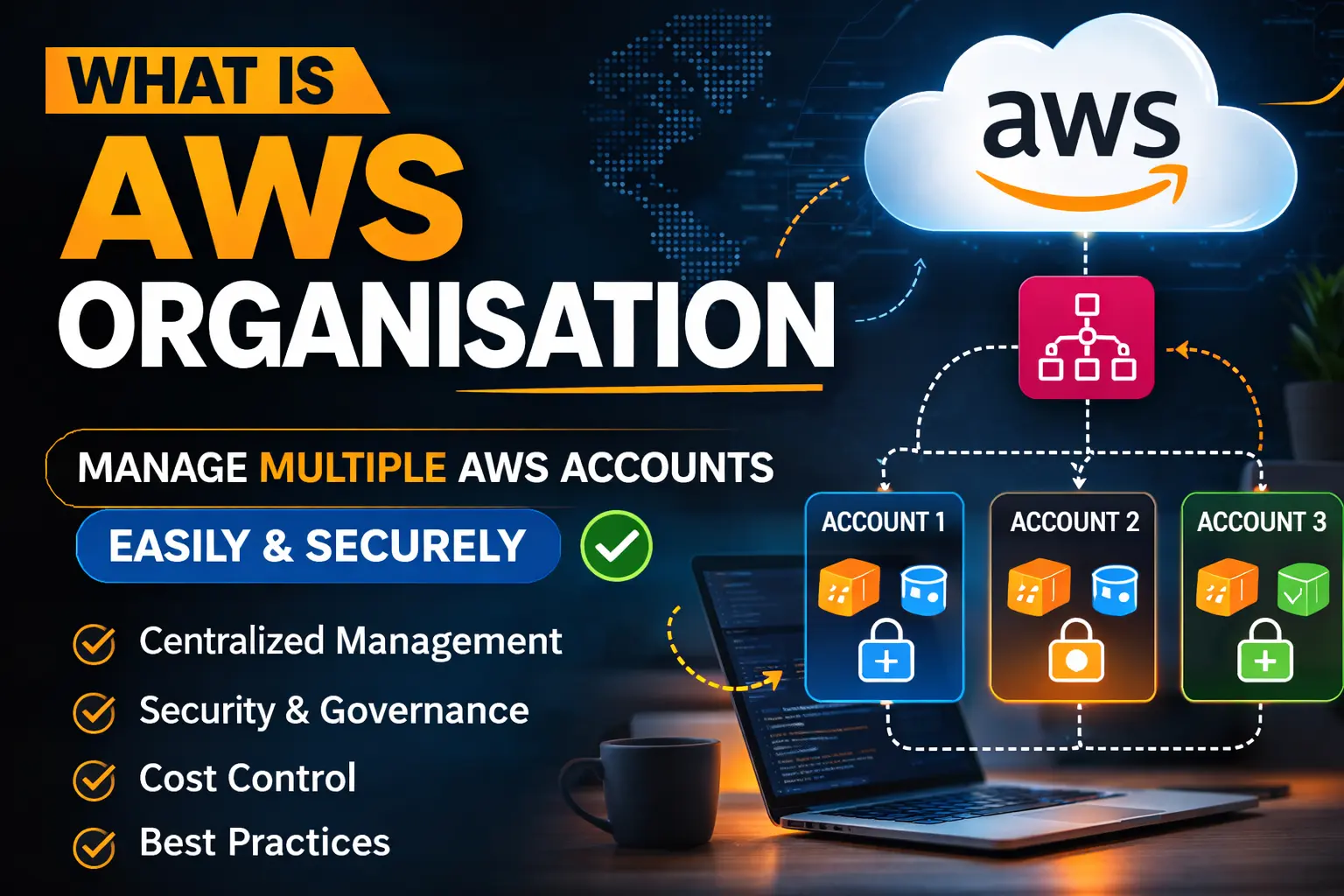
AWS Organizations is one of the best methods to organize and manage multiple AWS accounts. AWS provides this AWS Organizations service, and it is very powerful in terms of controlling and managing different accounts.
Let's understand what AWS Organizations is, its components, and how it works with multiple child accounts.
AWS Organizations
AWS Organizations is a service of AWS. With the help of AWS Organizations, you can manage multiple AWS accounts using one AWS account.
With AWS Organizations, you can:
- Consolidate billing of all child accounts into one management account.
- Restrict actions in any account using Service Control Policies (SCPs).
- Easily manage all child accounts.
And there are more things that you can do with AWS Organizations.
Organizational Unit (OU)
Organizational Unit (OU) is a kind of category in which you can add your child accounts, and then you can apply policies, run services, etc. You can also create OUs inside another OU up to 5 nested levels.
For example, you have an organization and in that organization you have 4 child accounts. Now you want to apply two policies — one for two accounts and another for the other two accounts. So in this case, you can create two Organizational Units and then add two accounts in each OU accordingly.
Now you can apply policies to the Organizational Unit (OU), so any accounts inside that OU will have those policies applied to them as well.
Add Accounts in Your Organization
To add accounts in your organization, there are two methods:
1. Add Account
You can directly add a new account from the AWS Organizations console. You have to provide a unique email ID, and then your new account will be created without root credentials.
When you create or add an account using Add Account in AWS Organizations, it means your organization is creating a new AWS account as a child account, and it will automatically become part of the organization. However, that account does not have root credentials, because it is created directly by AWS Organizations.
2. Invite Account
Here you invite standard AWS accounts that are already created and you want to make them part of your organization. In this case, you enter their account email ID and send them an invitation.
If they accept the invitation, then that account becomes a child account of your organization.
AWS Organization Services
There are many services that you can use at the organizational level. Here I will give the overview of a few of them.
1. AWS GuardDuty
This is a service that detects threats and security issues within all the organization accounts. It analyzes data from:
- CloudTrail Logs
- VPC Flow Logs
- DNS Logs
2. AWS Backup
At the organizational level, you can take backups of your resources that are running in the organization's accounts.
For example, EC2 is running in one of your child accounts and you want to take a backup daily, then you can use this service and take a snapshot of it daily at your defined time or configuration.
3. AWS CloudFormation StackSets
With the help of CloudFormation, you can deploy resources across your organization's accounts at once.
For example, you want to create one EC2 instance in each child account, then you can write the YAML configuration in a file and deploy the resources in all or selected OUs at once.
This helps you automate your work instead of creating resources manually in each account.
4. AWS Control Tower
AWS Control Tower used when you want to set up organization quickly with best practices automatically. It auto sets up and manages a secure multi-account AWS environment using best practices.
5. AWS Resources Access Manager (RAM)
RAM allows you to use another account resources into other account. For example: in an organization there two accounts A and B. A has a VPC and some resources are running there now B account also need an VPC to create resources so RAM allows account B to use VPC resources of account A.
6. CloudTrail
CloudTrail is used for recording AWS API events. And you can enable it in entire AWS organization so that it can record all accounts AWS API events.
7. IAM Identity Center (SSO)
SSO (Single Sign-On) is used for accessing multiple accounts using a single authentication. In AWS Organizations, you can enable it and then add users using any email ID, and with that email ID you can access any account of that organization that is allowed to you.
8. Config
It is used for enforcing configurations across all accounts in the organization. For example, you don't want anyone to create a public S3 bucket. So if anyone in any account creates a public bucket, then the AWS Config service will notify the admins or security team.
Important Points
AWSServiceRoleForOrganizations
This is a service-linked role for AWS Organizations that is responsible for creating roles in child accounts when any service is enabled.
For example, when an account joins or is added to the organization, the AWSServiceRoleForOrganizations role is automatically created in the child account. Now, if any service is enabled at the organization level, such as CloudTrail, then this role creates a role for CloudTrail in the child account so that the management account can access resources according to the service that has been enabled.
Service-Linked-Role
Roles that are created automatically when any service is enabled at the organization level.
For example, if CloudTrail is enabled at the organization level, then a role for CloudTrail in the child account will be created automatically. That role is called a Service-Linked Role. With the help of that role, the management account is able to perform actions in child accounts using those roles.
Delegated Admin
It means you delegate admin permission to a child account.
For example, in an organization there can be many accounts, and you want to manage logs of each account, then it will become a problem to check logs in each account.
So what you can do here is create a separate account only for logs, and you delegate CloudTrail permission to that account. Now that account only manages CloudTrail, and it has access to all child accounts' AWS API calls.
So this account can record logs of all accounts and you can check all accounts logs in a single account.
Conclusion
I explained about AWS Organization, its services, its policies, and some important points. This article covers almost all important topics.